Category: Desktop Applications
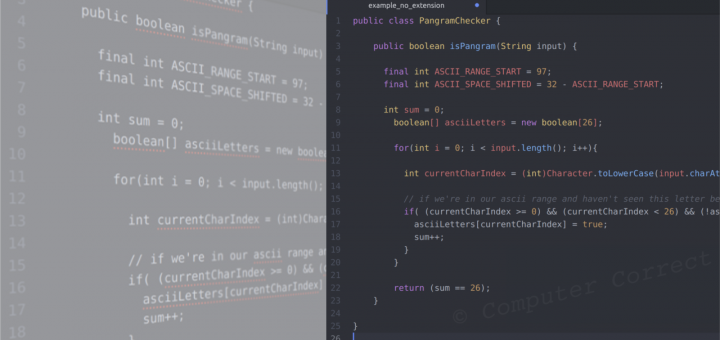
Problem: You open Atom to start work on a new file and haven’t saved it with an extension, or you open a text file without an extension (or the wrong extension) – and Atom isn’t highlighting things the way you’d like. Maybe Atom isn’t highlighting anything at all and you...
OpenOffice.org and the LibreOffice branch both suffer from an apparent restriction – the color palette appears to be severely limited. By default, you’re given a small palette of ~106 colors for everything from highlighting and borders to fill and font coloring. Luckily, adding a custom color is no big deal...
Firefox gives you an option for how you want to handle mailto links. The problem is, by default, you are only given options for two web services: yahoo and gmail. If you’d like to use another service, you’ll have to add it manually. This, as it turns out, is no...